
DOWNLAOD & INSTALL THE NEW TRIPLEC TV+ APP
INSTRUCTIONAL VIDEO
To install the app, first press the microphone button on your remote control and say “Downloader” or from amazon home screen or click on the FIND section, go to search, and type Downloader (it will be a orange app), then download the app.
-Now go to the search engine and type bit.ly/cccplusapp in the address space
-Press install to install the app
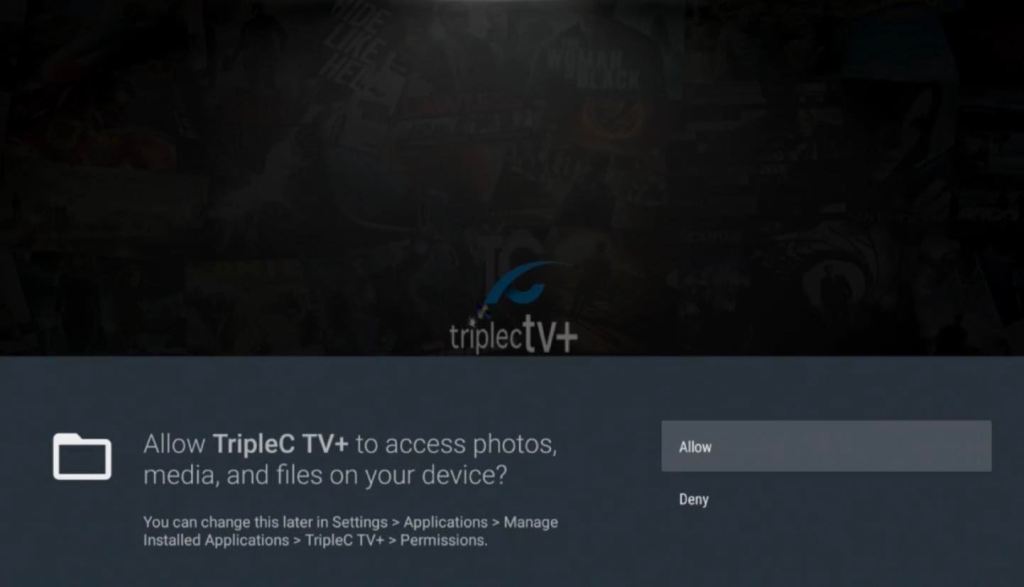
-Press ALLOW when prompted to
-Select MOBILE as your Device Option
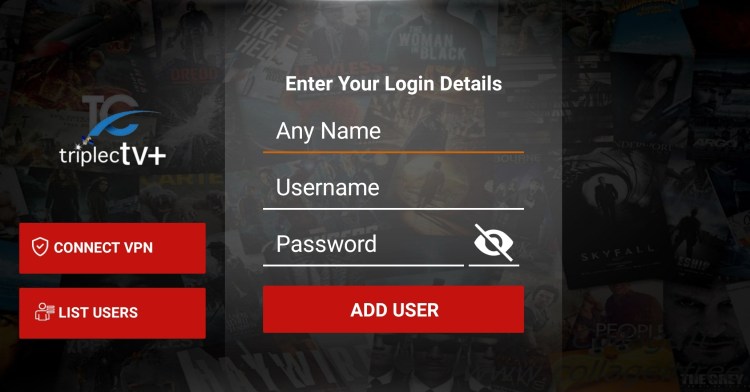
-Enter your login credentials: for ANY NAME type in TRIPLEC TV and then your Username & Password and press ADD USER
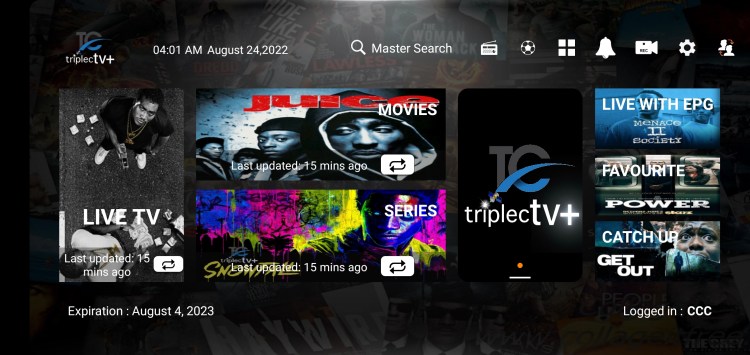
-Finally, download each section (Live TV, Movies, and Series) and HAPPY STREAMING!!!



 Triple CTV+
Does this app support stalker portal? url and mac address
LikeLike
url
LikeLike