
🚨SPECIAL NOTICE🚨
- For best results, use these devices…
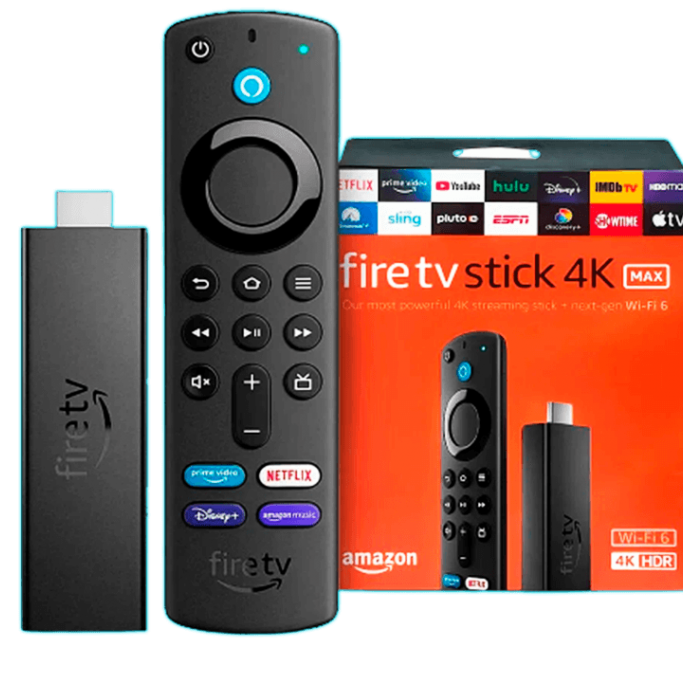
Android Boxes with 4GB RAM x 32GB ROM, FireTV devices – Sticks 4K & 4K Max, or Fire Cube. Nvidia Shield or Nvidia Shield Pro.
APP WILL NOT DOWNLOAD
🚨🚨If the app fails to download, it is likely because you have TiViMate already installed. If you have TiViMate Premium already installed, please utilize it. Open the TiViMate app, Click on Settings, Click on Playlists, Click Add Playlist, Click Xtream Codes, Enter your server address, username, and password)🚨🚨
EXPERIENCING TROUBLE LOGGING IN
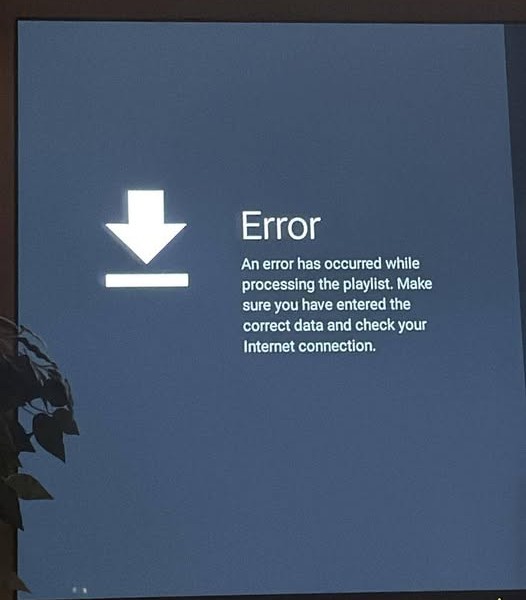
About 90% of our support calls come from login issues. Please double-check that you’re entering your username and password exactly as shown in the email. Pay close attention to your username. Make sure capital letters are CAPITAL and lowercase letters are LOWERCASE.
GETTING ERROR CODE 451
Error code 451 usually indicates that your service has expired. Just renew your subscription. You can do this by clicking on the link below and choosing which subscription package best suits your needs. https://triplectv.com/pricing/
After you renew service, try powering down your device for 30 seconds and powering it back up.
🚨Channels Won’t Load🚨
*****ATTENTION NEW AT&T FIBER CUSTOMERS*****
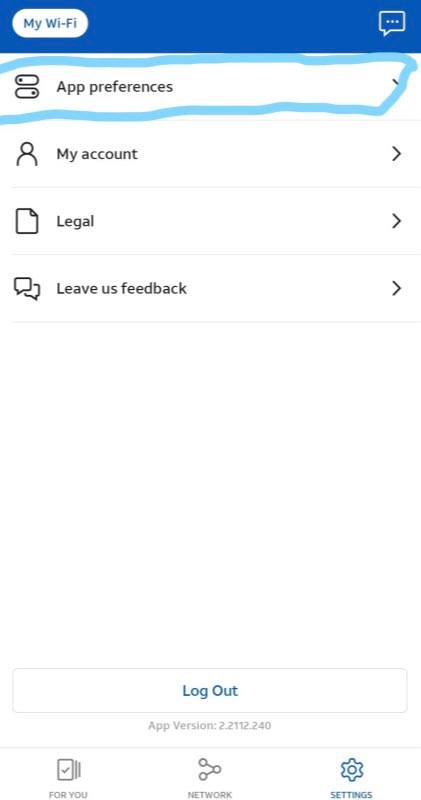
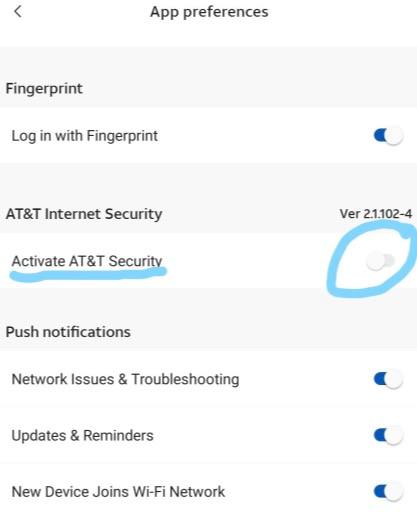
Step 1: You must download their smart home app to do these steps. Step 2: Click the settings gear in the lower right-hand corner. Step 3: Click on app preferences. Step 4: Under AT&T security, locate the active AT&T security and toggle it off.
🚨XFINITY INTERNET 🛜 USERS🚨
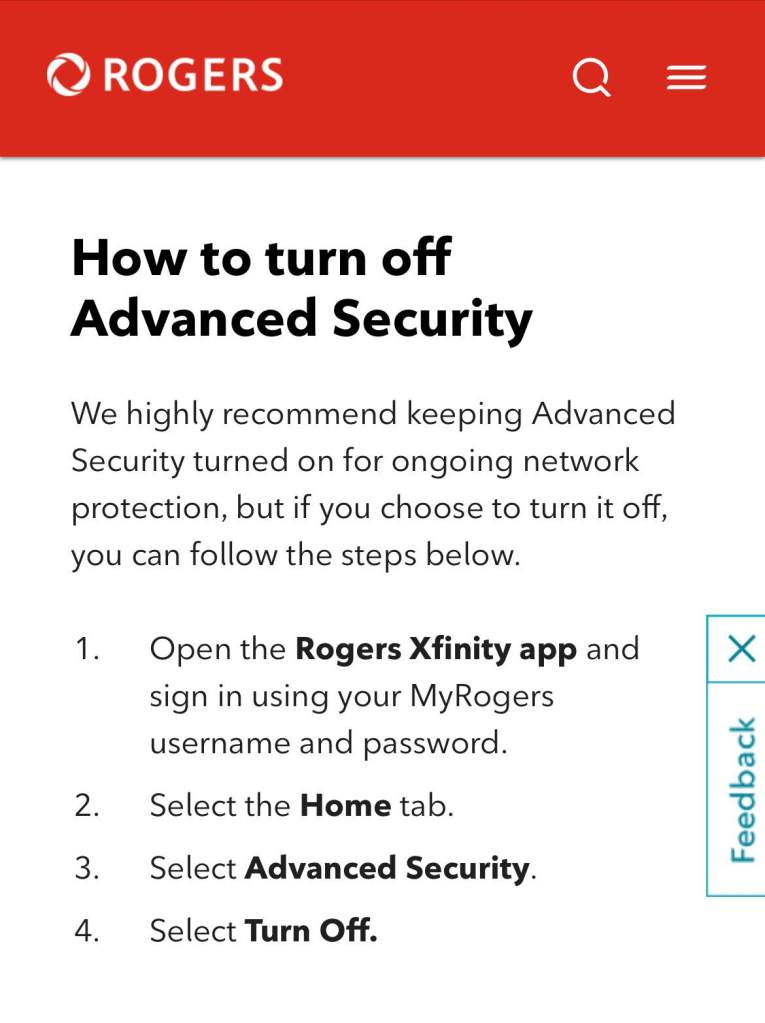
STANDARD TROUBLESHOOTING
1) Check your internet connection. Make sure you’re getting a signal. Then make sure you are getting enough speed to run service. Run a speed test on the device that you stream service on (50mbps+ recommended). Also, make sure that you are using the 5G option on your network.
2) Clear the app Cache (go to settings, down to manage installed applications, click on the app, go down to clear application and click on it)
3) REBOOT (Unplug your streaming device from the power source for 1 minute and plug it back in)
4) App reset (Foreclose the app, clear the app data, and login back in. If still no good, then uninstall/reinstall the app)
5) RESET your internet router and modem. Unplug your router first and then your modem. Leave them unplugged for 60 seconds and plugged then back in: modem first and then the router.
6) Amazon update could be pending. From the Amazon home screen, go to settings, go to My Fire Tv, go to about. The bottom option should tell you if you are up to date or have an update pending. If you have an update pending, install update then restart stick. If no good after that, then assume the service may be down and contact your supplier.
One of these 6 steps above will 9 times out of 10 correct your internet TV issue. Also, if one Thank you for your support.
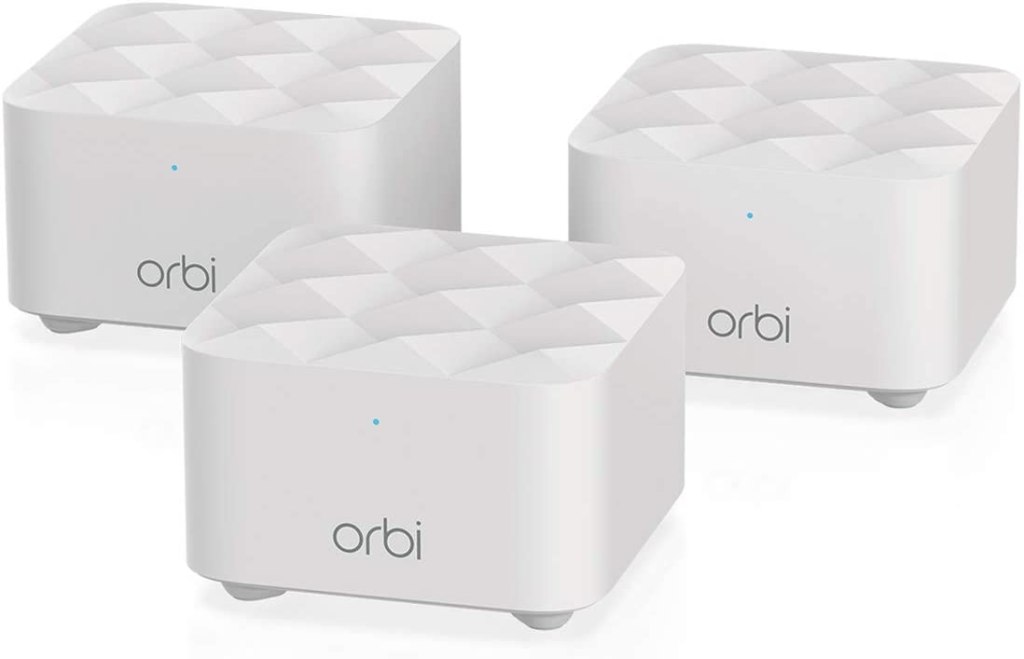
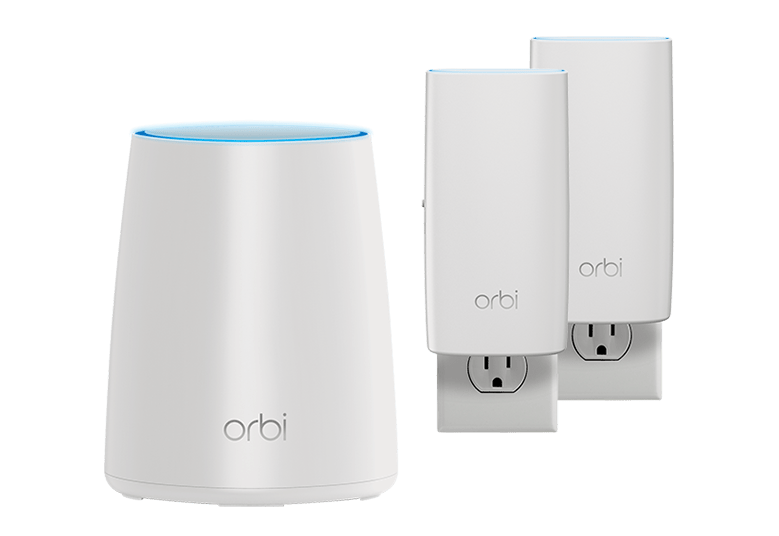
Got a large house? House have multiple floors: upstairs, main floor, and basement? Then you may need to upgrade to a mesh unit. Below are a few recommendations. Theses units cover more area and help prevent dead spots.

 Triple CTV+