
HOW TO DOWNLOAD THE TRIPLE CTV+ TiViMATE APP
INSTRUCTIONAL INSTALLATION VIDEO
🚨🚨If the app fails to download, it is likely because you have TiViMate already installed. If you have TiViMate Premium already installed, please utilize it. Open the TiViMate app, Click on Settings, Click on Playlists, Click Add Playlist, Click Xtream Codes, Enter your server address (url), username, and password). The playlist name will be TRIPLE CTV+ 🚨🚨
From amazon home screen go to settings, then My Fire TV, then developer options, turn on both of the options (ADB debugging and Apps from Unknown Sources). Now click home button on remote. If you don’t see developer option, you need to navigate to the “About” section in settings, then click on the device name seven times. This will unlock the “Developer Options” menu. From there, you can enable “ADB debugging” and “Apps from Unknown Sources.
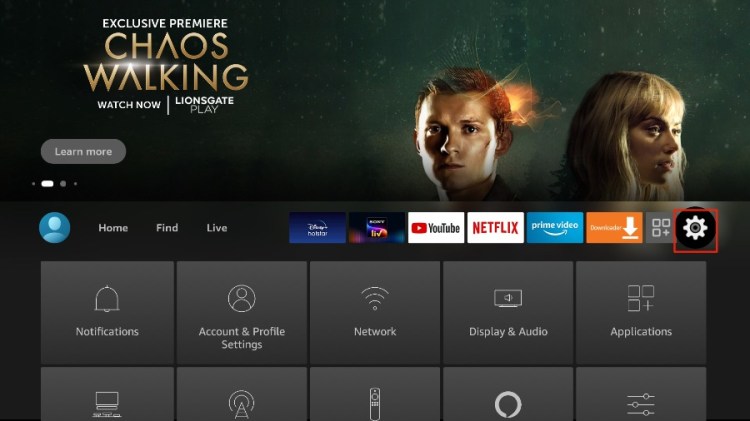
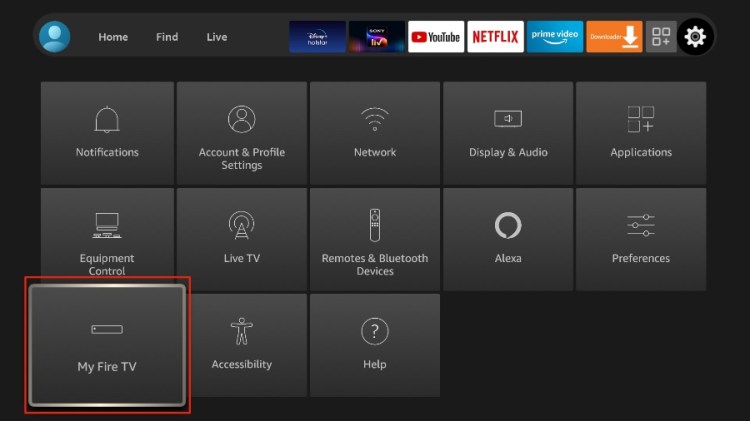
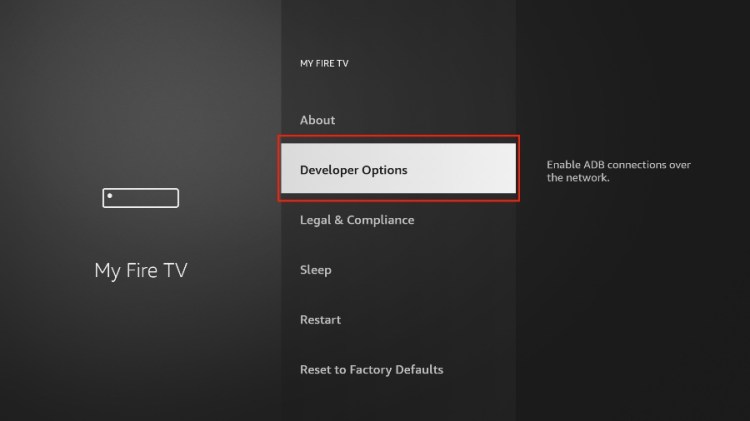
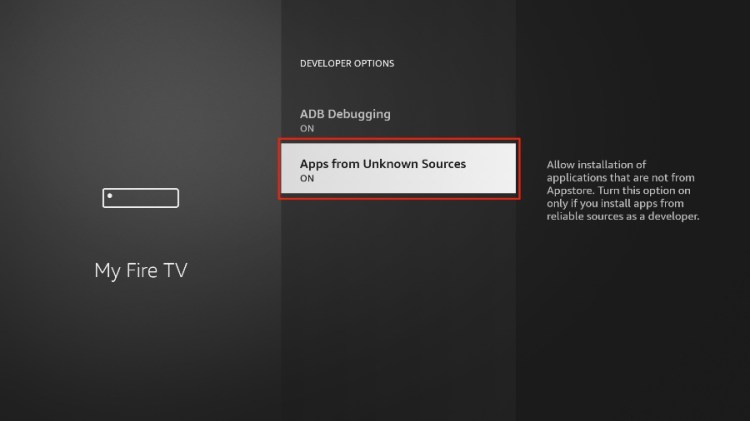
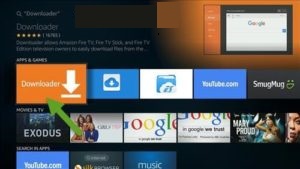
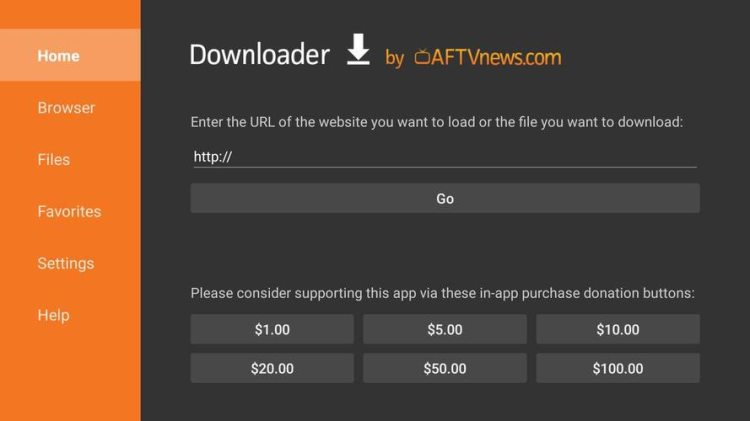
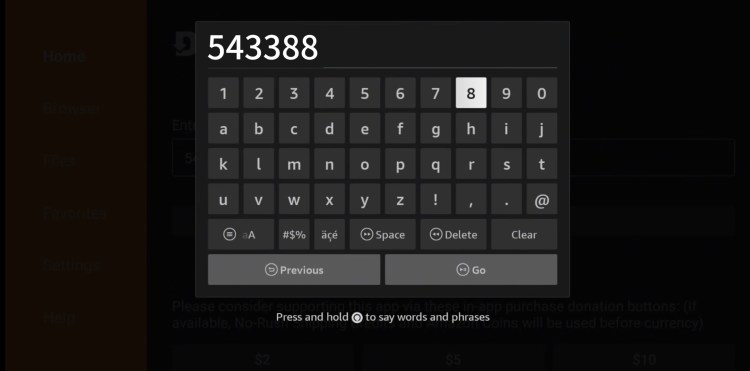
Press the microphone button and say “Downloader” or from amazon home screen or click on the Find section, go to search, and type Downloader (it will be a orange app) then download the app. Go to the search engine, type 543388 in the address space.
🚨Download The Triple CTV+ App 🚨

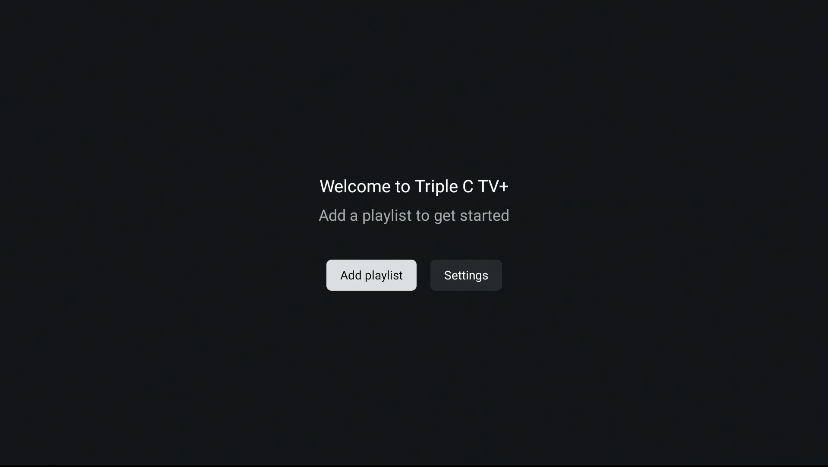
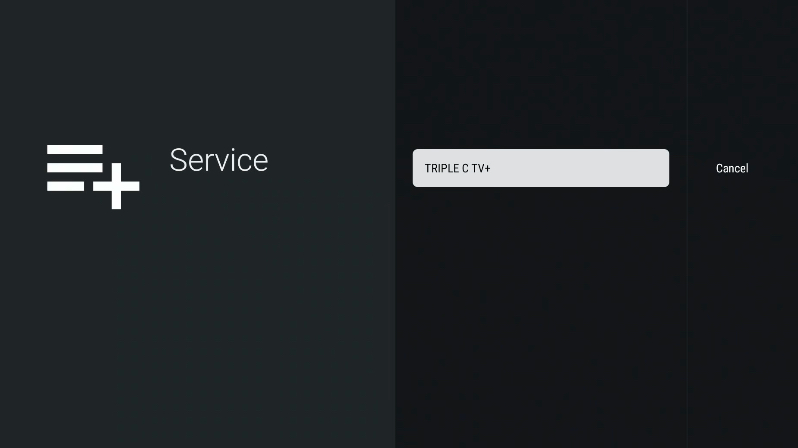
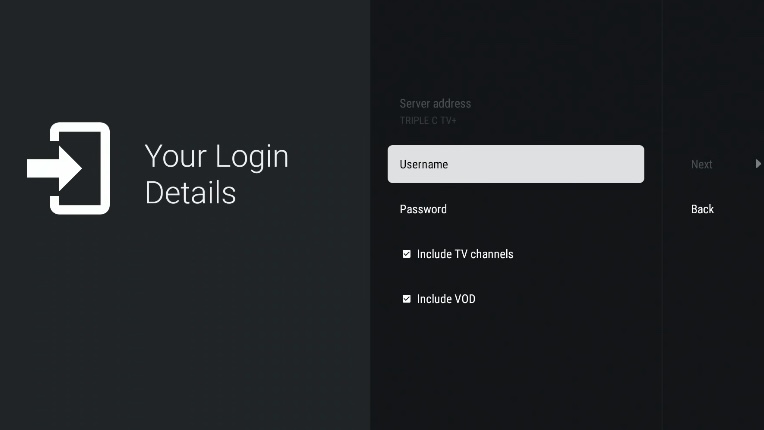
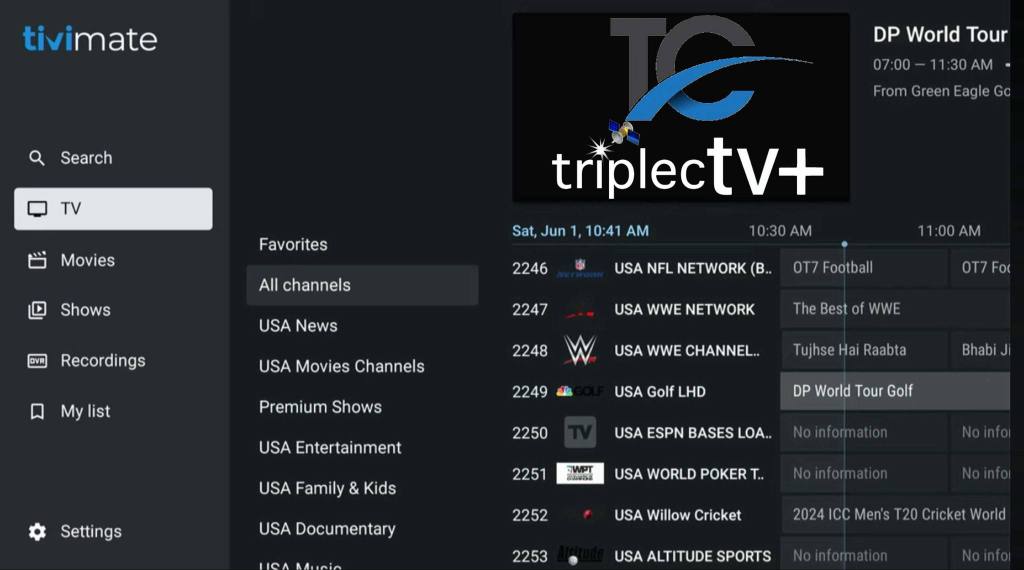
Open the Triple C TV+ TiViMate app, click on add playlist, then click on Triple C TV+. Now enter the login credentials (username and password) provided to you after you pay for service, then push next. When the playlist process is complete, click on Triple C TV+ playlist and press done. HAPPY STREAMING!!!
HAPPY STREAMING!!!
$$$ PAYMENT OPTIONS $$$
🚨Open Monday-Sunday 7am (ct)-7pm (ct)🚨
🚨🚨🚨 You will receive a username and password via email from us to the email address associated with your PayPal account within one hour of payment receipt; please check your email inbox and spam section for an email from Triple CTV. 🚨🚨🚨




🚨Billing cycle starts on the day you subscribe and once service is first purchased . Failure to pay on due date, will result in immediate suspension of services until paid. There are no refunds once the billing cycle has started. To stop service, simply cease payment and your account will be closed on the next billing cycle🚨
 Triple CTV+